
Order Book Simulator
Real-Time Order Book Simulation
This simulator models how market and limit orders interact with a real order book. Adjust the trade size and order type to see how prices fill and how slippage occurs.
Order Book
| Price (USDT) | Sell (Ask) Quantity | Buy (Bid) Quantity | Price (USDT) |
|---|---|---|---|
| 138.40 | 1.9 SOL | 18.5 SOL | 138.05 |
| 138.35 | 3.8 SOL | 22.1 SOL | 138.10 |
| 138.30 | 5.1 SOL | 15.3 SOL | 138.15 |
| 138.25 | 12.4 SOL | 8.7 SOL | 138.20 |
Order Execution Results
When you hit "Buy" on a crypto exchange, what actually happens? It’s not magic. It’s not even a simple click. Behind that button is a living, breathing system called the order book-a real-time list of all buy and sell offers waiting to be matched. And how you place your order-whether as a market order or a limit order-determines if you get the price you want, or if you pay more than you planned.
What Is a Market Order?
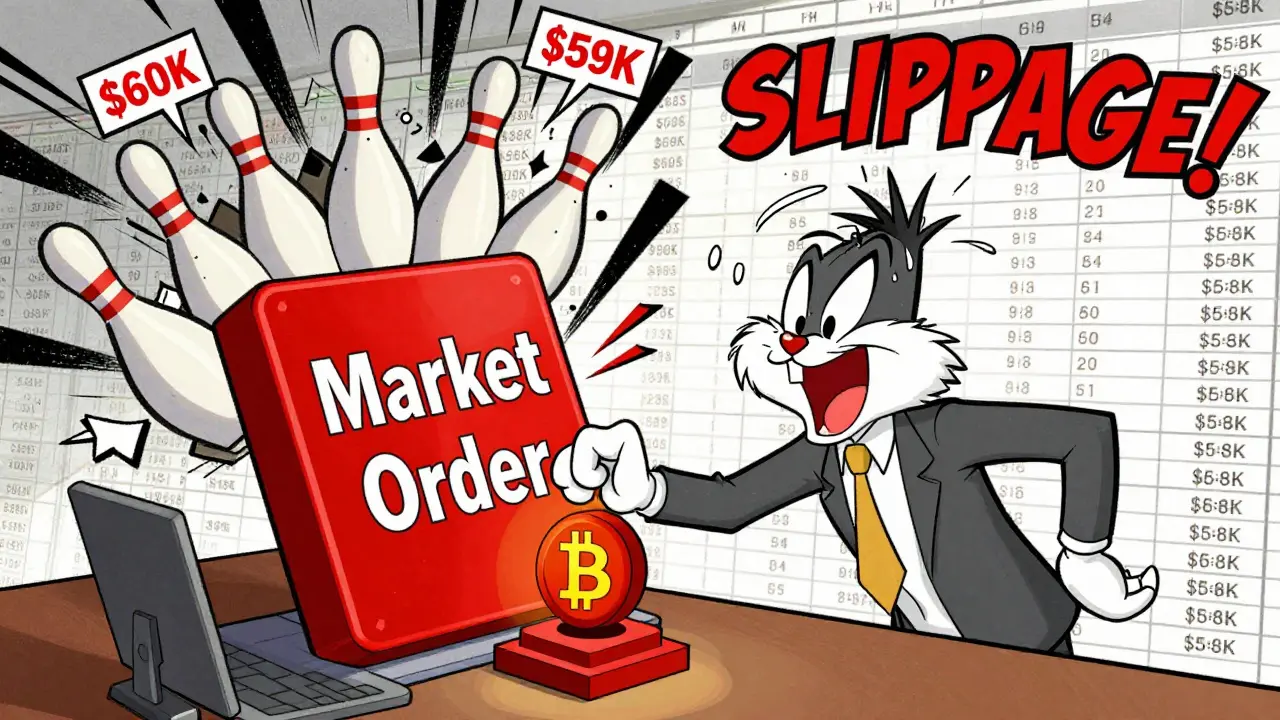
A market order is the fastest way to buy or sell. You’re saying: "I want this asset right now, no matter the exact price." The exchange matches your order with the best available price in the order book. If you’re buying Bitcoin, your market order grabs the lowest ask price first, then the next lowest, and so on, until your full amount is filled.That sounds great-until it doesn’t. In a calm market, a market order for 0.1 BTC might fill at $60,000. But during a flash crash or pump, the same order could fill at $59,800… or $58,200. That’s slippage. And on low-liquidity altcoins, slippage can be brutal. One trader in Wellington told me he tried to sell 5,000 SOL with a market order during a quiet afternoon. The order book had only 800 SOL at the top ask. The rest of his order ate through prices 12% lower before it finished. He lost $1,200 in one click.
Market orders are perfect when:
- You need to exit a position fast-like when a coin drops 15% in 30 seconds and you’re scared it’ll crash further.
- You’re trading a high-volume asset like BTC or ETH with tight spreads.
- You’re not price-sensitive and just want to get in or out.
But they’re dangerous when liquidity is thin. Crypto markets aren’t like Wall Street. Many tokens have order books with gaps-big price jumps between bids and asks. Market orders fill those gaps, and you pay the cost.
What Is a Limit Order?
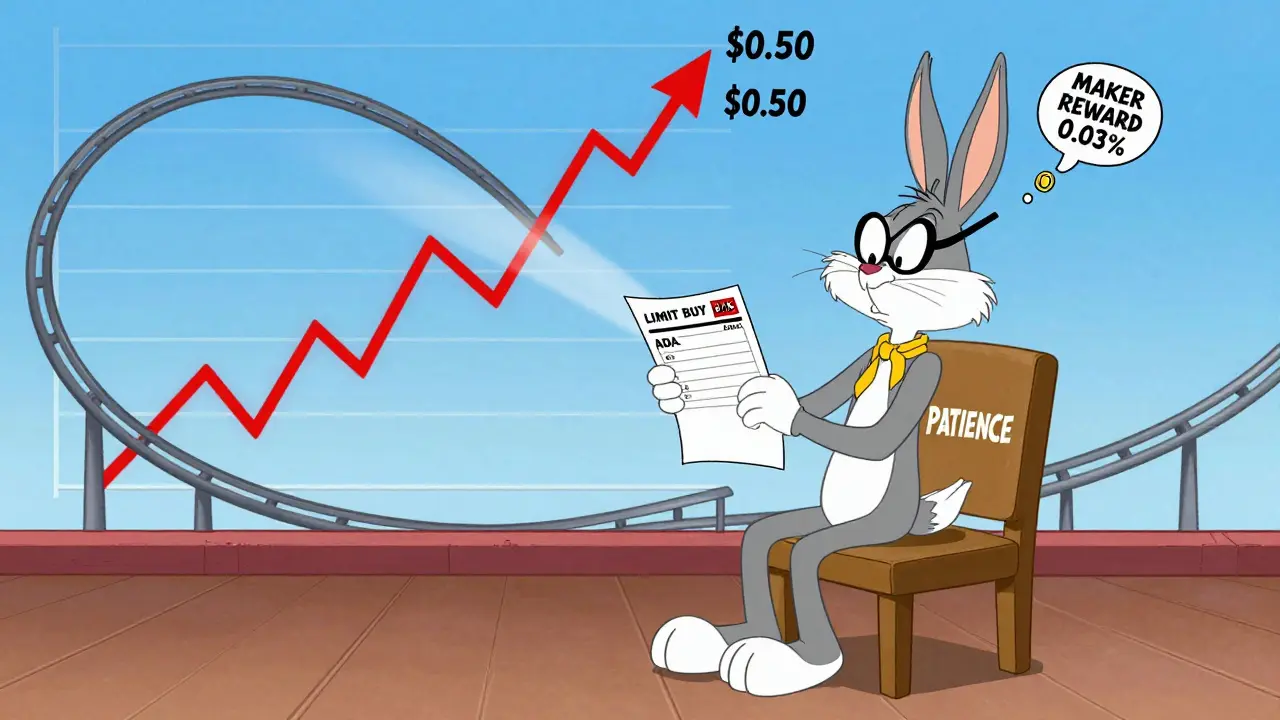
A limit order is the opposite. You set the price. You say: "I’ll buy BTC at $59,500 or lower," or "I’ll sell my ETH only if I get $3,200 or more." The order sits in the order book until someone matches your price.Limit orders give you control. No surprises. No slippage. You know exactly what price you’ll get-if the trade fills.
But here’s the catch: it might never fill.
Imagine you place a limit buy order for ADA at $0.40 when it’s trading at $0.42. The price never drops to $0.40. Your order stays there, collecting dust. You miss the rally. Or worse-you set a sell limit at $1.10 on a coin that pumps to $1.25 and then crashes to $0.85. You’re stuck waiting, and the moment you cancel, the price dives.
Limit orders shine when:
- You’re patient and want to buy low or sell high.
- You’re trading a volatile altcoin and don’t want to get ripped off by a sudden spike.
- You’re dollar-cost averaging or building a position over time.
They’re also the reason exchanges pay you rebates. When you place a limit order that adds liquidity (not takes it), you’re called a "maker." Market orders are "takers." Many exchanges give makers a small discount-like 0.01% to 0.05%-because they help keep the order book deep and prices stable.
How the Order Book Works
Think of the order book like a two-sided ledger. On the left: bids (buyers). On the right: asks (sellers). The highest bid and lowest ask form the "spread." The closer they are, the more liquid the market.When you place a market order to buy, you’re taking liquidity. You’re matching against existing sell orders. You don’t add to the book-you remove from it.
When you place a limit order to buy, you’re adding liquidity. Your order sits in the book, waiting. If someone else comes along and sells at your price, you get filled. And you might get a rebate.
Here’s what a real order book looks like for SOL/USDT right now:
| Price (USDT) | Sell (Ask) Quantity | Buy (Bid) Quantity | Price (USDT) |
|---|---|---|---|
| 138.25 | 12.4 SOL | 8.7 SOL | 138.20 |
| 138.30 | 5.1 SOL | 15.3 SOL | 138.15 |
| 138.35 | 3.8 SOL | 22.1 SOL | 138.10 |
| 138.40 | 1.9 SOL | 18.5 SOL | 138.05 |
If you place a market buy order for 10 SOL, it’ll first take 8.7 SOL at $138.20, then 1.3 SOL at $138.25. Your average price? $138.21. But if you’d placed a limit buy at $138.10, you’d be waiting-because no one’s selling there yet.
When to Use Each Order Type
There’s no universal rule. But here’s what works in real trading:
- Use market orders when you’re reacting to news, exiting a losing trade, or buying a top-10 coin with heavy volume. If BTC drops 3% in 2 minutes and you’re in a long position, don’t overthink it-market order out.
- Use limit orders when you’re planning ahead. Want to buy DOT at $4.80? Set the limit. It might take hours. It might take days. But when it fills, you know you got exactly what you wanted.
- Never use market orders on low-cap coins. A $200k market buy on a token with $50k daily volume? You’ll move the price 15% before your order finishes. That’s not trading-that’s gambling.
- Combine both. Set a limit order to buy at your target price. If the price moves fast and you miss it, use a market order to catch the momentum. But never do it blind.
One trader I know in Auckland uses a simple rule: "If I’m not in a hurry, I use limit. If I’m scared, I use market. But I only get scared when I didn’t plan ahead."
Common Mistakes and How to Avoid Them
Even experienced traders mess this up. Here are the top three errors:
- Using market orders during high volatility. When Elon tweets about DOGE or the Fed announces rates, spreads widen. Market orders become lottery tickets. Always check the order book depth before clicking.
- Setting limit prices too tight. A limit buy at $1.00 when the price is $1.01 and the last 10 trades were at $1.05? That order won’t fill. Use historical price levels, not guesswork.
- Forgetting order expiration. Some exchanges default to "good-till-cancelled" (GTC). Others use "day orders." If you set a limit order and forget it, your funds are tied up. You might miss other opportunities.
Pro tip: Always look at the 24-hour volume and the depth of the order book before trading. If the top 3 bids and asks add up to less than 10% of your intended trade size, avoid market orders.
Advanced Tools: Stop-Limit and Conditional Orders
Most exchanges now offer hybrid orders. A stop-limit order lets you set a trigger price and a limit price. For example: "If BTC hits $62,000, place a limit sell at $61,800." This gives you control over both entry and exit.
It’s not magic. It’s just a limit order waiting to activate. But it removes emotion. You don’t have to stare at your screen. You set it, walk away, and let the market come to you.
Use stop-limit orders to:
- Lock in profits without micromanaging
- Protect against sudden drops
- Automate entries on pullbacks
Just remember: if the price gaps past your stop level, your limit order might never trigger. That’s why you still need to understand the order book.
Final Rule: Know Your Market
There’s no "better" order type. Only the right one for the situation.
Market orders are for speed. Limit orders are for precision. The order book is the stage. You’re the actor. If you don’t know the script, you’ll stumble.
Before you trade:
- Check the order book depth.
- Look at the last 50 trades.
- Ask: "Am I trying to get in fast, or get in right?"
Trade like a professional, not a gambler. Your portfolio will thank you.
What’s the difference between a market order and a limit order?
A market order buys or sells immediately at the best available price in the order book. A limit order only executes when the price reaches a level you specify. Market orders guarantee speed; limit orders guarantee price control.
Can limit orders fail to execute?
Yes. If the market price never reaches your limit price, your order stays open-or expires. This is common with low-volume tokens or when you set unrealistic prices. Always check historical price action before setting limits.
Why do some exchanges pay rebates for limit orders?
Limit orders add liquidity to the order book. They give other traders something to trade against. Exchanges reward this with rebates (usually 0.01%-0.05%) because deeper order books mean tighter spreads and better trading conditions for everyone.
Are market orders risky on crypto exchanges?
Yes-especially on altcoins or during high volatility. Low liquidity means your order can sweep through multiple price levels, causing slippage. A $1,000 buy order might end up costing $1,100 if the order book is shallow. Always check depth before using market orders.
Should I use market orders for Bitcoin?
For BTC, market orders are usually safe because it has deep liquidity and tight spreads. But even with BTC, large orders can still cause slippage. For trades over $10,000, consider splitting them into smaller limit orders to avoid moving the market.
What’s slippage and how do I avoid it?
Slippage is the difference between the price you expected and the price you actually got. It happens when your order fills at worse prices due to low liquidity. Avoid it by checking the order book depth, using limit orders for large trades, and avoiding market orders on low-volume coins.
Can I cancel a market order?
No. Market orders execute immediately. Once submitted, they’re filled or partially filled in milliseconds. You can’t cancel them. That’s why you need to be sure before clicking.
Do limit orders tie up my funds?
Yes. When you place a limit buy order, the exchange reserves the full amount of your purchase in your account. That money can’t be used for other trades until your order fills, expires, or you cancel it. This is called opportunity cost.
michael cuevas
December 6, 2025 AT 08:47Pro tip: if you're not reading the bids and asks, you're not trading. You're just gambling with better graphics.
Nina Meretoile
December 7, 2025 AT 04:20sonia sifflet
December 8, 2025 AT 13:23Elizabeth Miranda
December 9, 2025 AT 06:43Chloe Hayslett
December 9, 2025 AT 08:01Jonathan Sundqvist
December 10, 2025 AT 10:07Thomas Downey
December 11, 2025 AT 15:16Annette LeRoux
December 13, 2025 AT 07:55Jerry Perisho
December 13, 2025 AT 08:15Manish Yadav
December 13, 2025 AT 14:35Krista Hewes
December 14, 2025 AT 13:44Noriko Robinson
December 15, 2025 AT 08:55Mairead Stiùbhart
December 15, 2025 AT 16:04Doreen Ochodo
December 15, 2025 AT 23:42Josh Rivera
December 17, 2025 AT 08:09Neal Schechter
December 17, 2025 AT 14:27Richard T
December 18, 2025 AT 17:30Mariam Almatrook
December 19, 2025 AT 04:02rita linda
December 20, 2025 AT 08:00nicholas forbes
December 21, 2025 AT 16:53